A Free Hope Gift from Waiting for Baby Bird Ministries
There are a lot of things competing for your attention in the wait.
The diagnosis.
The timeline.
The test results.
The unanswered questions.
But what if every time you picked up your phone this month, you were reminded of what God says instead?
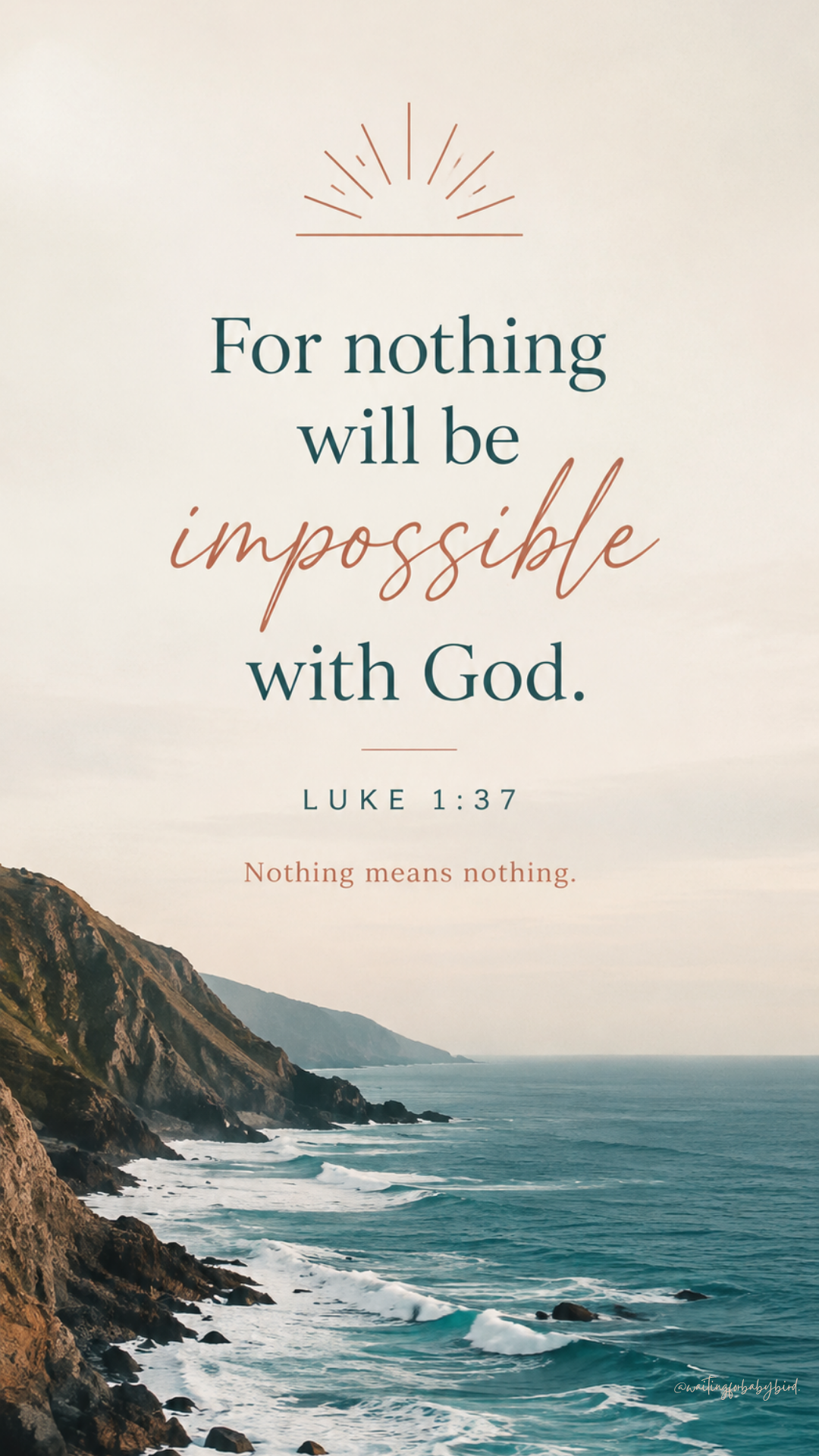
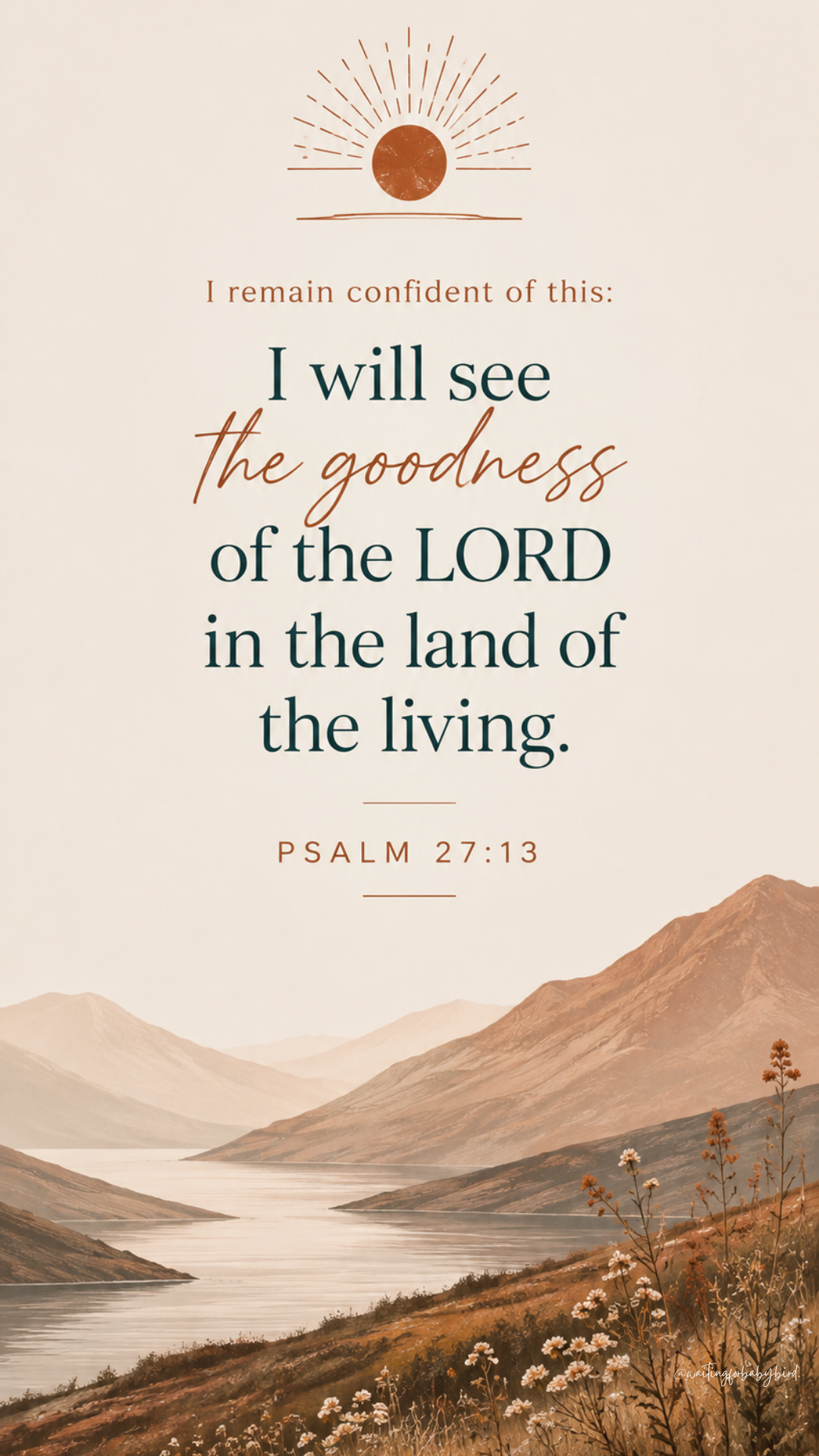
September’s Hope Lock Screens are all about Scripture for the Wait.
This month’s collection includes four lock screens featuring four different passages of Scripture to help you keep God’s Word in front of you as you wait.
You’ll be reminded that nothing is impossible with God.
That you can remain confident in His goodness.
That you can walk by faith even when you can’t yet see.
And that you can remain joyful in hope, patient in affliction, and faithful in prayer.
Choose a new lock screen each week, or simply use the one your heart needs most right now.
My prayer is that every glance at your phone becomes a small opportunity to turn your attention away from what your circumstances are saying and back to what God has said.
How to Save Your Lock Screen
1. Choose your favorite design below.
Tap Download Lock Screen and save the image to your phone.
2. Set it as your Lock Screen.
iPhone:
Open Photos → select the image → tap Share → Use as Wallpaper → adjust if needed → tap Add → choose Set as Wallpaper Pair or customize your Home Screen separately.
Android:
Open the saved image in your Gallery/Photos → tap the menu (⋮) → Set as wallpaper → choose Lock screen → adjust if needed → Set wallpaper.
Steps may vary slightly depending on your phone model.
This Month’s Hope Lock Screens