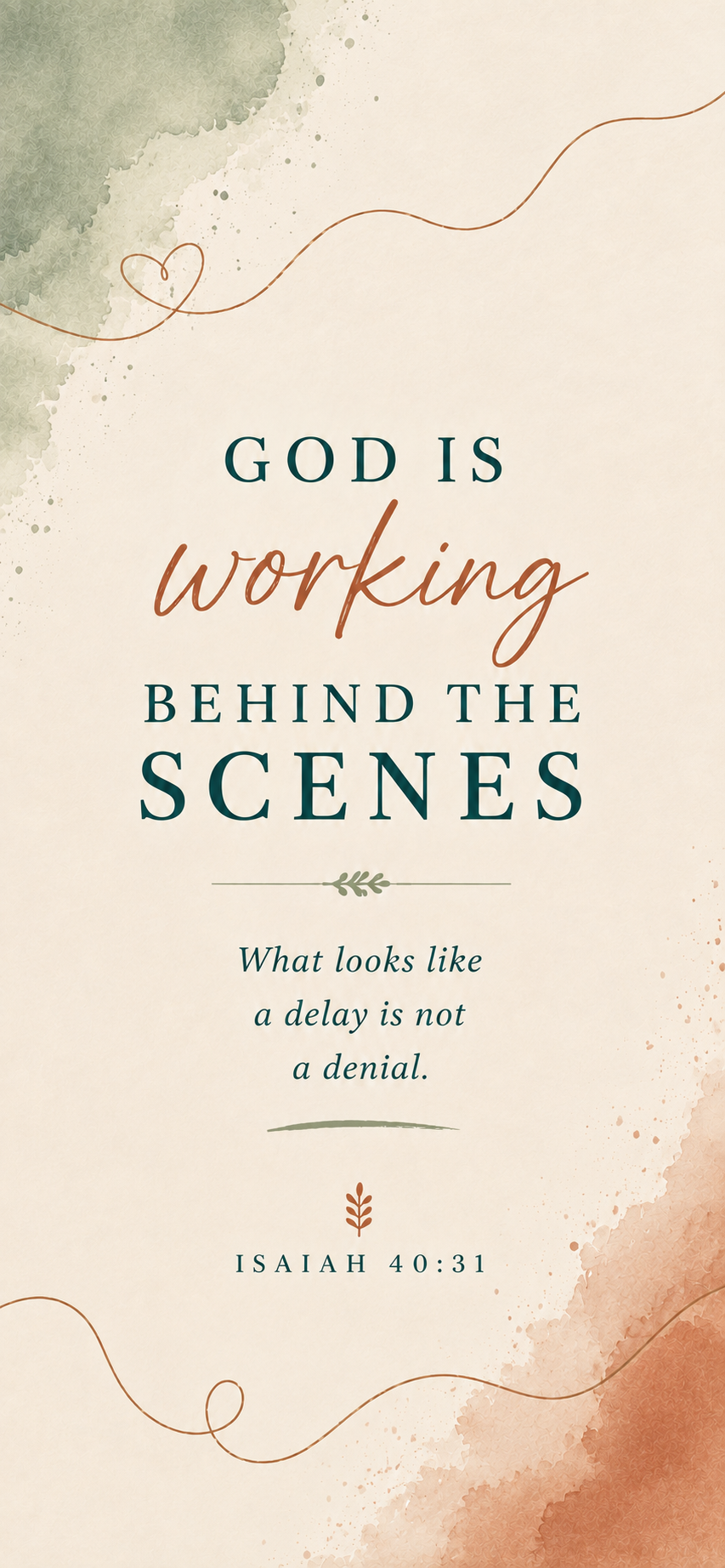
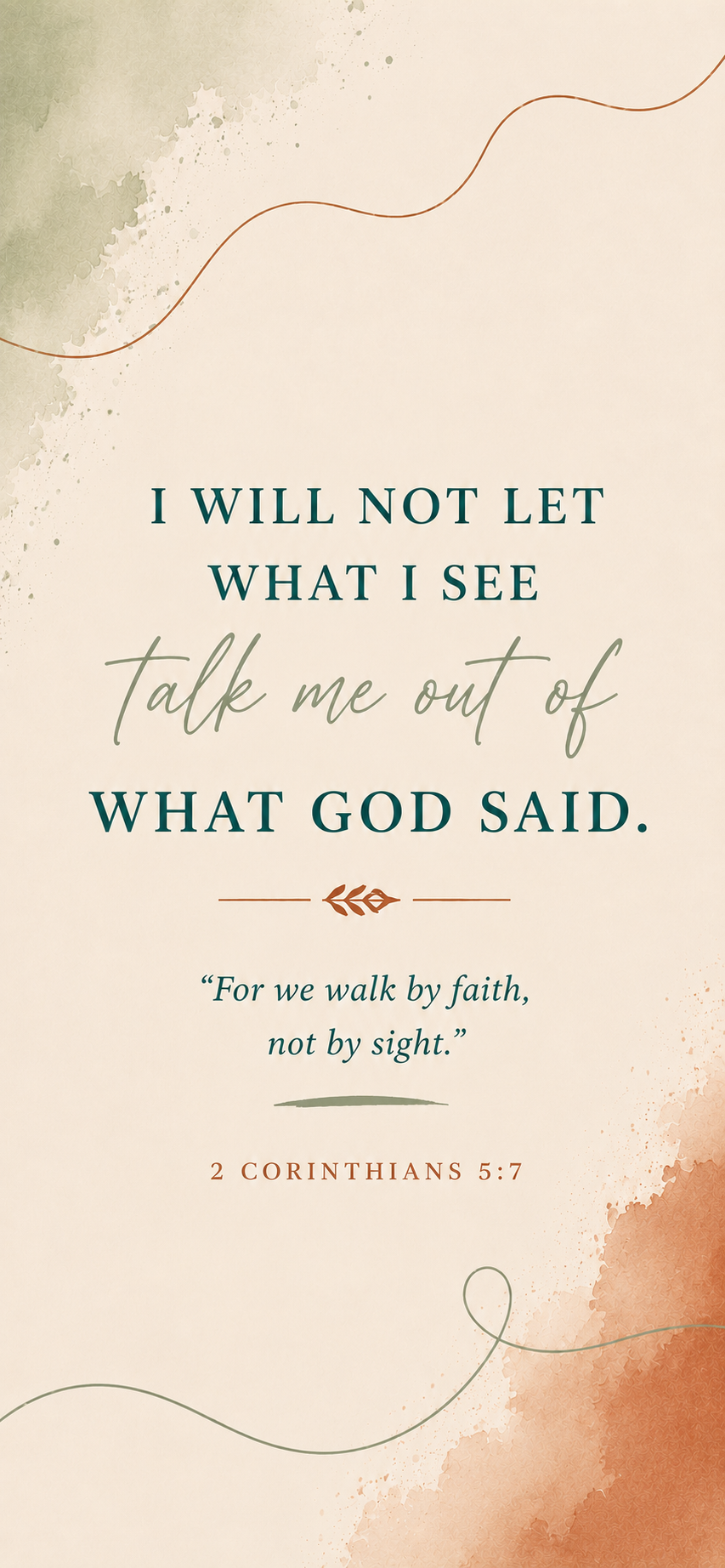
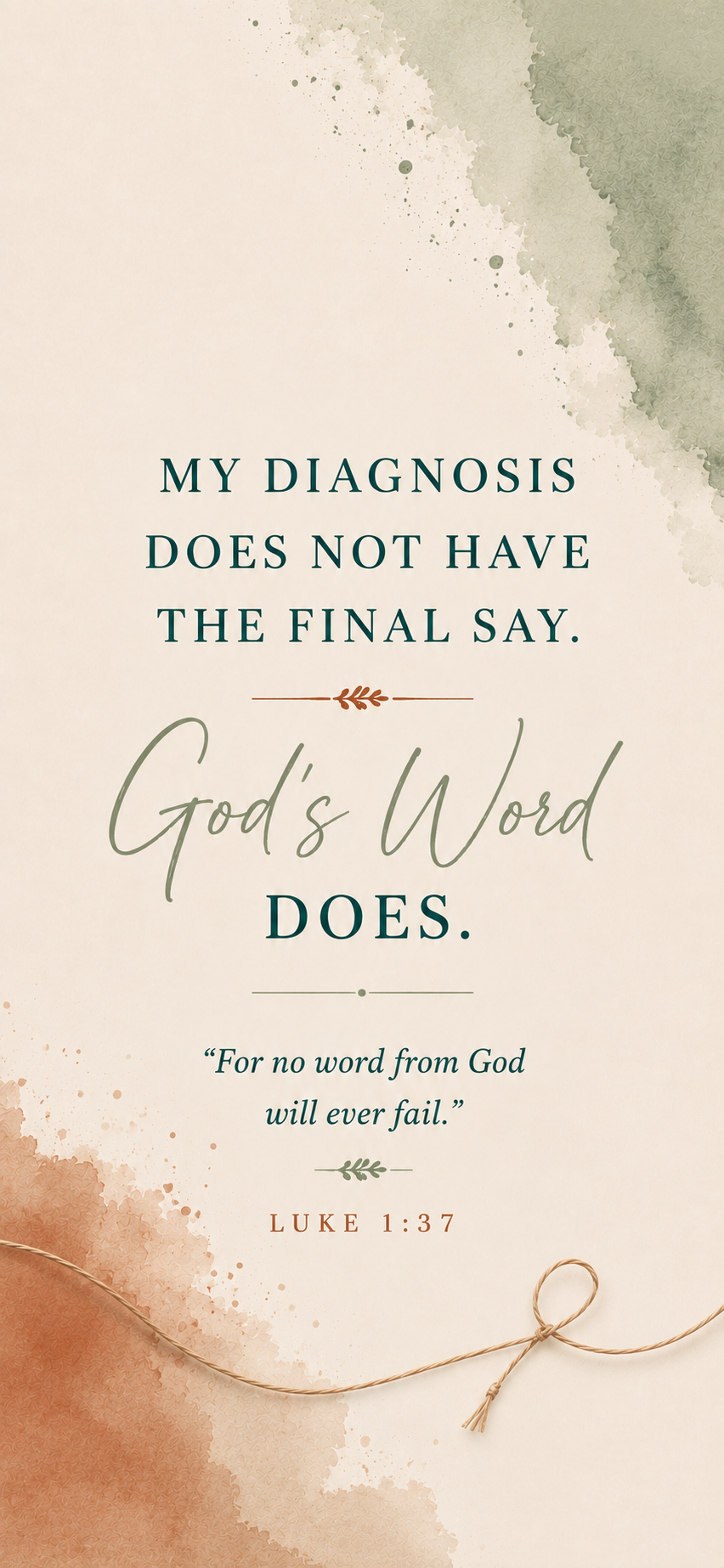
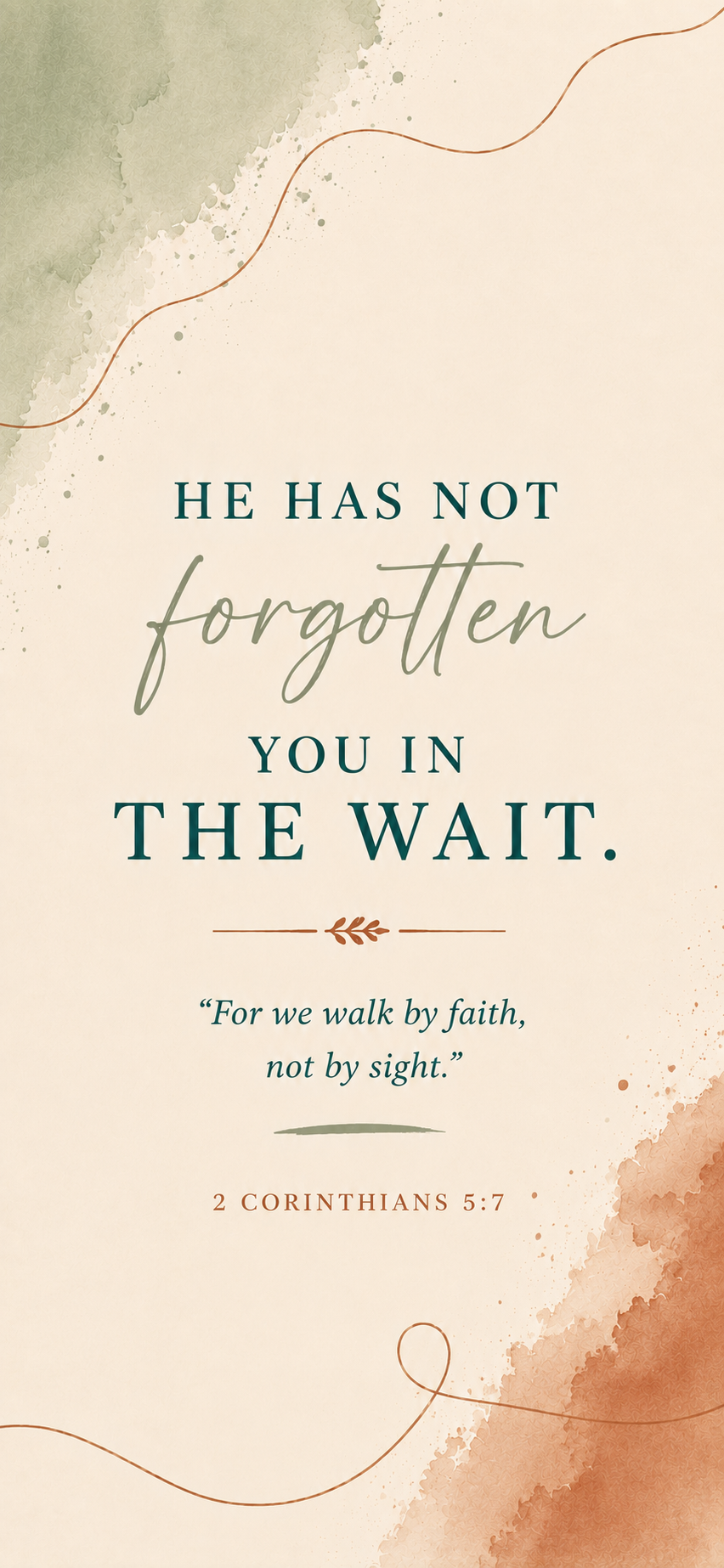
A Free Hope Gift from Waiting for Baby Bird Ministries
How many times do you unlock your phone every day?
What if, instead of being reminded of another negative pregnancy test, another birthday, another diagnosis, or how long you’ve been waiting…
You were reminded of God’s truth instead?
That’s why I created these monthly Hope Lock Screens.
Each one is designed to gently redirect your heart back to God’s Word, reminding you that your circumstances never have the final say.
This month’s collection includes four lock screens—one for each week of the month—to encourage you as you wait.
How to Save Your Lock Screen
1. Choose your favorite design below.
Tap Download Lock Screen and save the image to your phone.
2. Set it as your Lock Screen.
iPhone:
Open Photos → select the image → tap Share → Use as Wallpaper → adjust if needed → tap Add → choose Set as Wallpaper Pair or customize your Home Screen separately.
Android:
Open the saved image in your Gallery/Photos → tap the menu (⋮) → Set as wallpaper → choose Lock screen → adjust if needed → Set wallpaper.
Steps may vary slightly depending on your phone model.
This Month’s Hope Lock Screens